

17 May DAW Comparison: Ableton, FL Studio, Logic and Reaper
▶ 7:20 Reading Time ·
The question comes up in every beginner forum, every day, in slightly altered form: Which DAW should I take. The honest answer is no one wants to hear, because it’s unspectacular. Sound-wise, Ableton, FL Studio, Logic, and Reaper are all pretty much the same. The difference lies in the workflow, which is how the work feels. And that determines whether you finish tracks or get lost in the menu.
Why the DAW choice is overrated and underrated
Overrated because beginners think the right software sounds better. It doesn’t. The same synth, the same sample, and the same processing yield the same export in any modern DAW. There’s no Ableton sound and no Logic sound. There are producers who know their tools. And there are those who don’t.
Underrated because the workflow does matter. A DAW whose logic you understand keeps you in the flow. One you struggle with costs you a little bit of enthusiasm with every step. Over months, that’s the difference between a folder full of finished tracks and a folder full of eight-bar ideas.
What is a DAW? DAW stands for Digital Audio Workstation. It’s the software where you record, program, arrange, and mix music. It’s a studio, mixing board, and instrument in one program. Ableton Live, FL Studio, Logic Pro, and Reaper are the four most commonly chosen by beginners in the DACH region.
The Four DAWs at a Glance
Before diving into the details, here’s a quick overview. The prices are the starting points for the entry-level editions and can vary depending on the current promotions.
| DAW | Strengths | Price (Entry) | For whom |
|---|---|---|---|
| Ableton Live | Loop-based workflow, live performance | approximately 99 Euro | Electronic music, live acts |
| FL Studio | Rapid beatmaking, free lifetime updates | approximately 99 Euro | Beatmakers, Hip-Hop, and Trap |
| Logic Pro | Songwriting, extensive library | approximately 200 Euro, Mac only | Mac users, songwriters, bands |
| Reaper | Lightweight, fast, highly customizable | approximately 60 Euro for a private license | Recording, podcasts, budget-conscious users |
Ableton Live: Built for Loops and the Stage
Ableton Live is designed with loops in mind. The Session View is a grid of clips that you can start, stack, and combine without worrying about a fixed timeline. This is ideal for jamming ideas and building arrangements from building blocks. If you make techno, house, or any form of electronic music, you’ll likely end up here. The second major advantage is its stage performance capabilities. Few DAWs are played live as often as Ableton Live. The entry-level version’s main drawback is the price. The full power is in the more expensive editions, and the Intro version is noticeably limited in terms of tracks and instruments.
FL Studio: The Beatmaker’s Toolkit
FL Studio is the fastest way to go from an empty session to a finished beat. The Step Sequencer and pattern-based logic are perfect for sketching out drums and melodies in minutes. It’s no coincidence that a large portion of modern Hip-Hop and Trap production happens here. Aside from the workflow, the strongest argument is the free lifetime updates. Once purchased, you get every new version without any additional cost. The weakness lies in classic audio recording. If you primarily record bands with microphones, you’ll likely work more smoothly with other tools.
Logic Pro: The All-Rounder for Mac
Logic Pro is the natural choice for anyone sitting on a Mac without a specific specialization. It handles songwriting, recording, mixing, and electronic production all equally well, without excelling in any single discipline. Additionally, it comes with one of the largest sound and loop libraries on the market, making it easy to get started without additional purchases. The payment is a one-time fee, after which there are no further costs. The hard limit is that Logic only runs on macOS. For Windows users, it’s simply out of the question.
Reaper: Sleek, Affordable, and Customizable
Reaper is the outsider with a dedicated fan base. The installation file is tiny, the program starts in seconds, and it runs smoothly even on older computers. The private license costs only a fraction of the competition, and the unlimited trial period is fair. Reaper can be customized down to the last detail, from the layout to custom scripts. This is also the challenge: By default, it feels less inviting and more utilitarian than its high-gloss competitors. Those willing to invest the time in customization will get an extremely fast recording machine. Those expecting a ready-made comfortable setup will need patience.
The best DAW is the one where you’re still productive three months later. Every switch costs you the time to learn the tool instead of making music.
Choosing the Right DAW for Your Needs
Keep it simple and decide based on two questions. First question: Mac or Windows. If you’re on a Mac and want a broad range of capabilities, Logic Pro is the calmest starting point. Second question: What do you primarily do? For electronic music and live performances, Ableton Live is the go-to choice. For beats in hip-hop and trap, FL Studio is the fastest tool. If your budget is tight or you primarily record and mix, Reaper is the sensible option.
And then comes the most important rule: Download the demo versions of your top one or two choices and build a short loop in each. You’ll know within an hour which one feels right. This hands-on decision is more valuable than any comparison table, even more so than the one above.
Playlist to Listen to
Four tracks from various corners of electronic music, demonstrating how far you can go with clean arrangement and sound design. Listen less to the sounds and more to how the pieces are constructed. This very arrangement mindset is what sets you apart from any DAW.
Q&A After the Show
Click on a question to reveal the answer.
Does a more expensive DAW sound better than a cheaper one?
Which DAW is best for learning?
Can I switch DAWs later?
Is there a free DAW for beginners?
Do I need a powerful notebook for every DAW?

Editor at InspiredByBeatz ››
Setting Up a Home Studio: Interface, DAW, and Acoustics →
What is a DAC and do you really need one? →
Explaining Bluetooth Codecs: aptX, LDAC, LC3 →
PC Speakers Under 400 Euro: Active Boxes Tested →
Beyerdynamic DT 900 Pro X: The Headphones Producers Love →
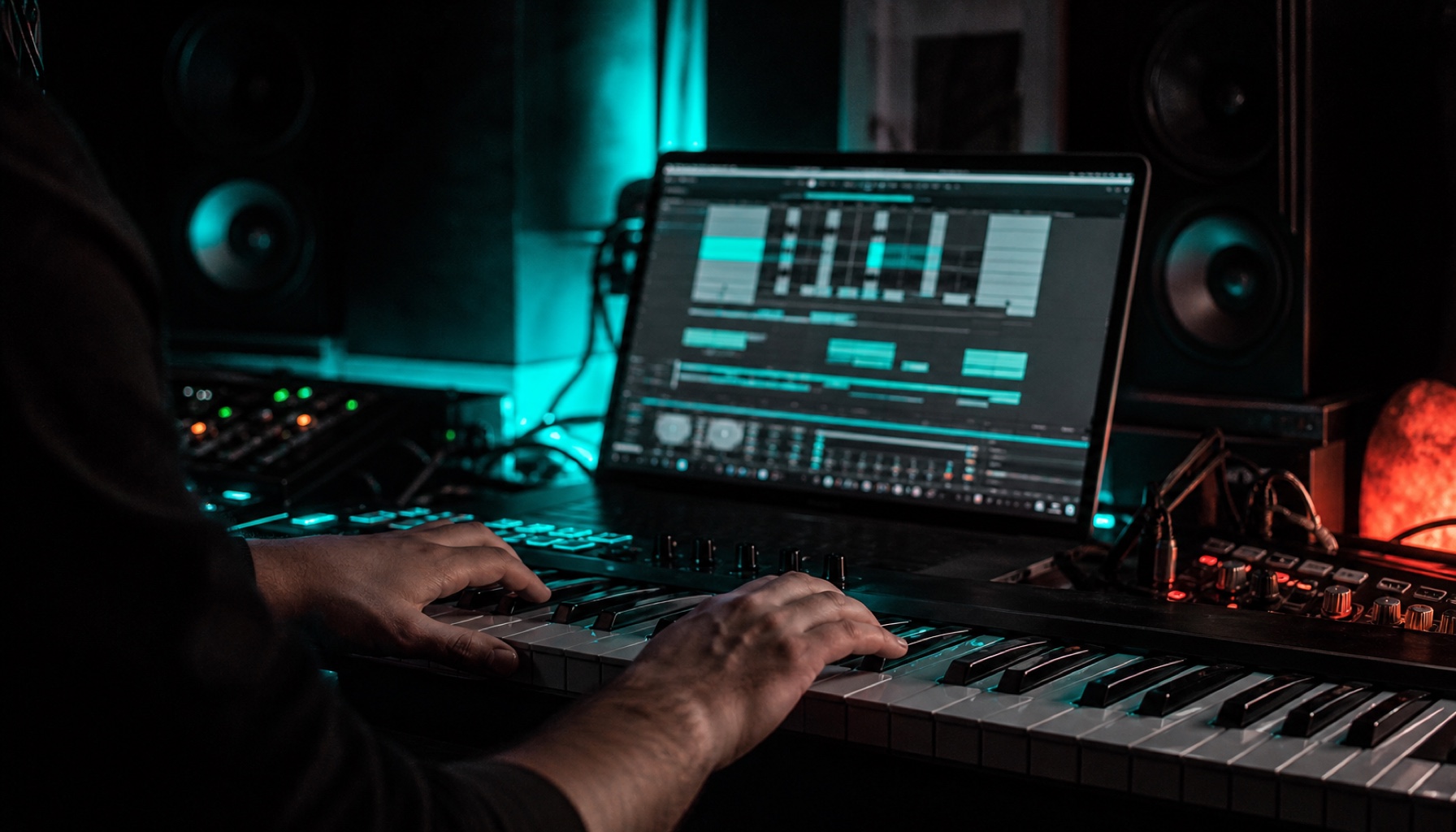
Image Source: AI-generated (May 2026), C2PA Certificate embedded in the image
Translated from the German original using artificial intelligence. The German version is authoritative.