


15 May Producing Music for Beginners: From the First Beat to Release
6:30 min read
You’ve got a melody in your head and a laptop on your desk, but between the idea and the finished track stands a wall of jargon. This guide dismantles it: from software selection to your first release, no prior knowledge and no expensive gear required.
15 May 2026
The DAW: your digital studio
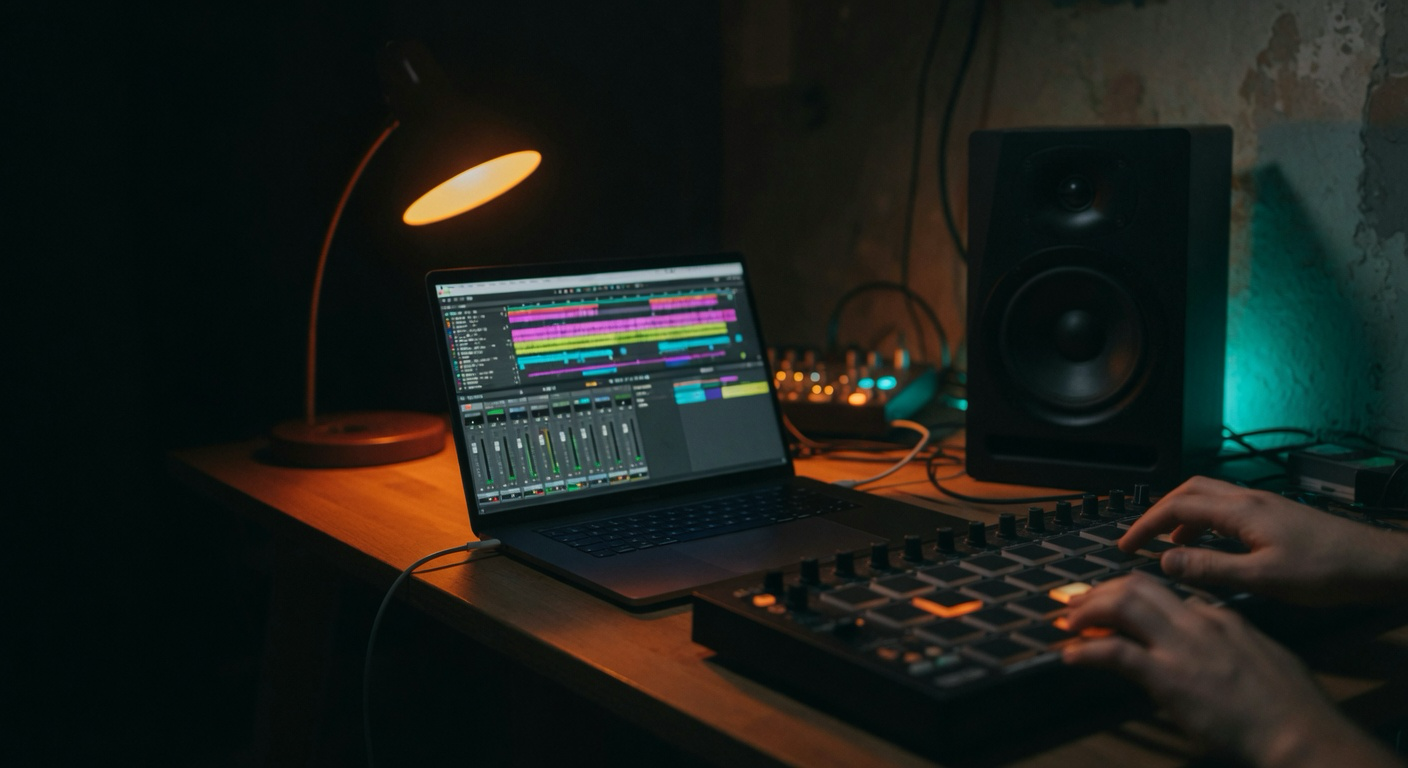
Everything starts with the Digital Audio Workstation-DAW for short. This is the software where you record, arrange and mix. Good news for beginners: there’s no wrong program. Ableton Live, FL Studio, Logic Pro and the budget-friendly Reaper can all do the same core tasks; they just differ in workflow.
Ableton is strong for electronic music and live performance, FL Studio is popular in hip-hop and beat-making, Logic offers great value for Apple users, and Reaper is the price-to-performance champion. Which you pick depends on genre and gut feeling. For a detailed comparison, check our DAW comparison for beginners.
My advice: download the demo versions of two contenders and spend an hour building something in each. You’ll quickly feel which one clicks. Then stick with it-mastering one program beats superficial knowledge of three.
Recording: Interface, Microphone & Monitoring
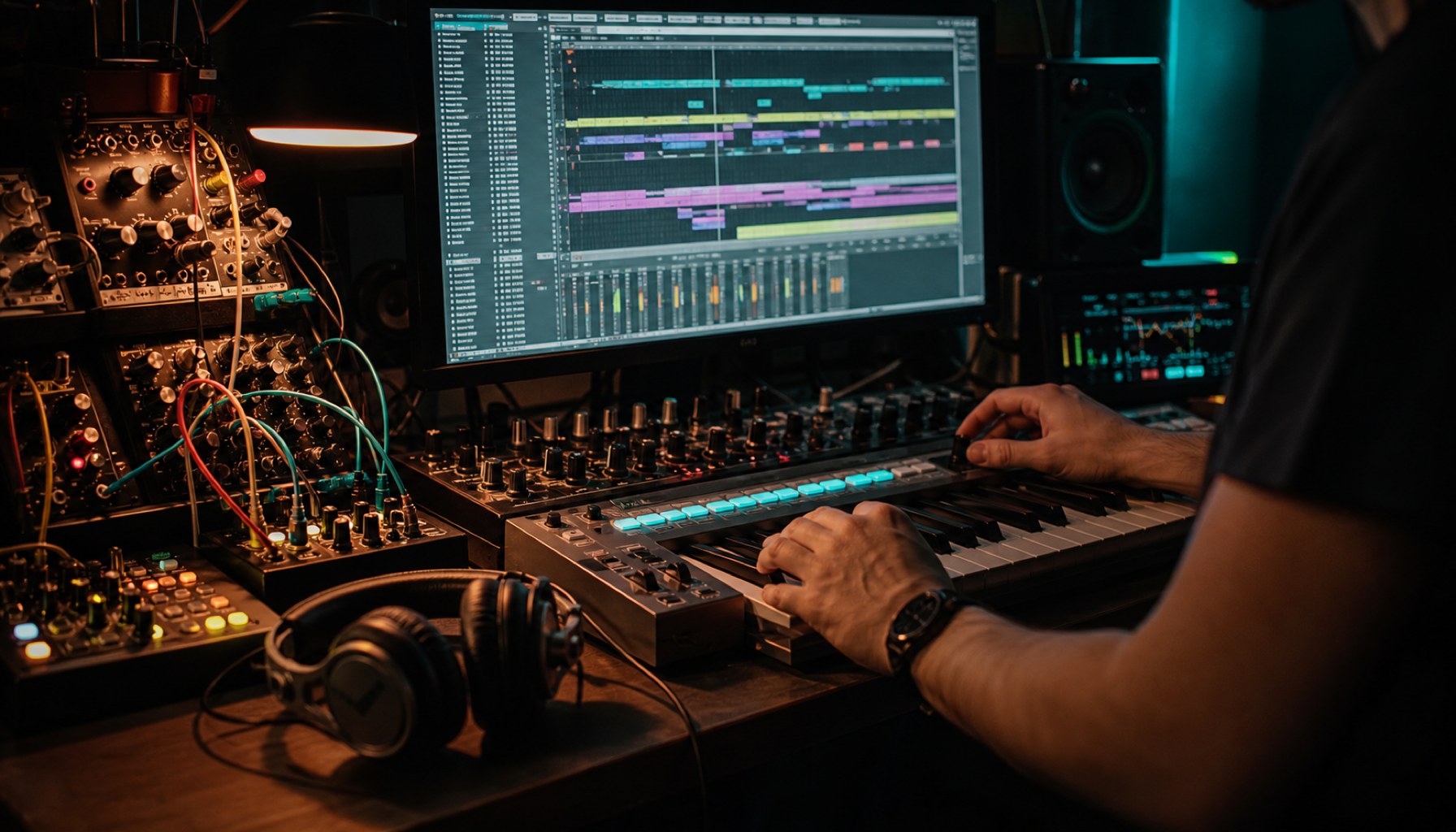
If you want to record real instruments or vocals, you’ll need an audio interface. It converts the analog signal into digital data and is the most important hardware investment-far more critical than expensive microphones. A solid entry-level interface can be found for under €150.
For pure beat production on your computer, a good pair of headphones is enough to start. Only when you begin serious mixing do studio monitors and a treated room become worthwhile. Our guide on setting up your home studio walks you through the process step by step.
Arrangement: From the First Beat to the Full Song
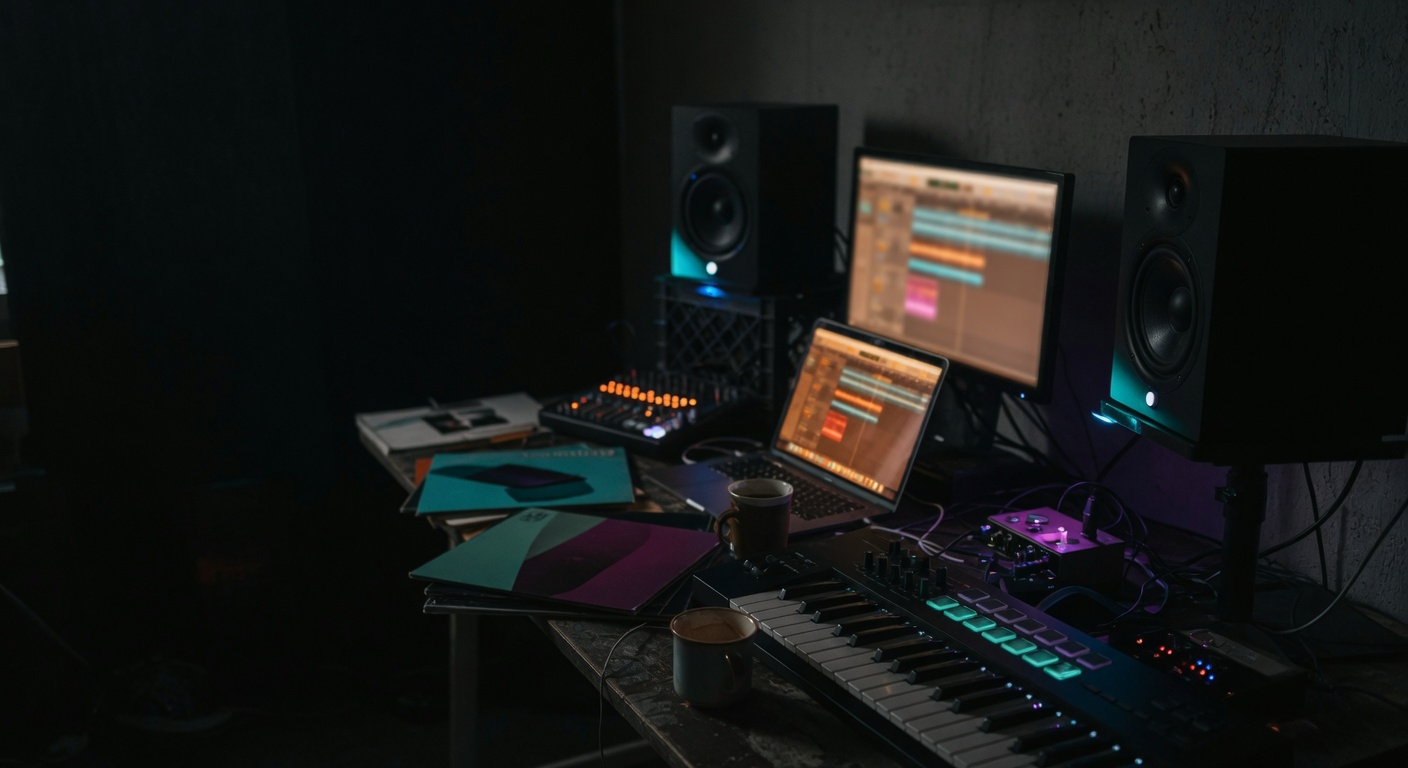
This is where the real music happens. A song thrives on structure: intro, verse, chorus, bridge. Most beginners get stuck in an eight-bar loop that never evolves into a complete track. The trick is to think in full sections from the start.
Begin with a simple drum pattern and bassline-this gives you a solid foundation. Layer chords and a melody on top, then build tension by removing and reintroducing elements. Silence isn’t a flaw; it’s a tool.
Need inspiration for sounds and instruments? Major sample and synth libraries have you covered. For a look at what current packages deliver, check out our overview of Native Instruments Komplete.
Mixing: The Fundamentals That Actually Matter
Mixing may sound like rocket science, but it rests on three pillars. First, levels: adjust volumes so every element is audible without overloading the mix. That’s half the battle-and it doesn’t cost a single plugin.
Second, EQ, or tonal shaping. Cut problematic frequencies and carve space so bass and kick don’t clash. Third, compression, which evens out dynamics and adds punch. Used sparingly, it sounds pro; overdone, it squeezes the life out of your track.
The best mixing advice: take breaks, return with fresh ears, and reference against professionally produced tracks to train your hearing.
Release: Your Song to the World
Once your track is ready, a digital distributor gets it onto the platforms. Services like DistroKid, TuneCore, or Amuse upload your music to Spotify, Apple Music, and others for an annual or revenue-based fee. Today, this takes minutes-no record deal required.
Plan your release with some lead time so you can submit the song to playlist curators. And celebrate the moment: your first published track is a bigger step than the first-day stream count might suggest.
Q&A after the show
Click a question to reveal the answer.
Which DAW is best for beginners?
What gear do I need to get started?
Do I need to read sheet music?
How do I release my first track?

Editorial IBS Publishing
DAW comparison for beginners: Ableton vs FL Studio vs Logic vs Reaper →Setting up a home studio: interface, DAW and acoustics →Native Instruments Komplete 26: What the bundle delivers →EDM producer tools: Serum, iZotope and more →aespa LEMONADE review: the sophomore album packing G-Dragon’s punch →
Featured image: AI-generated (May 2026)
Inline image: AI-generated (May 2026)
Inline images: AI-generated (May 2026)
Translated from the German original using artificial intelligence. The German version is authoritative.